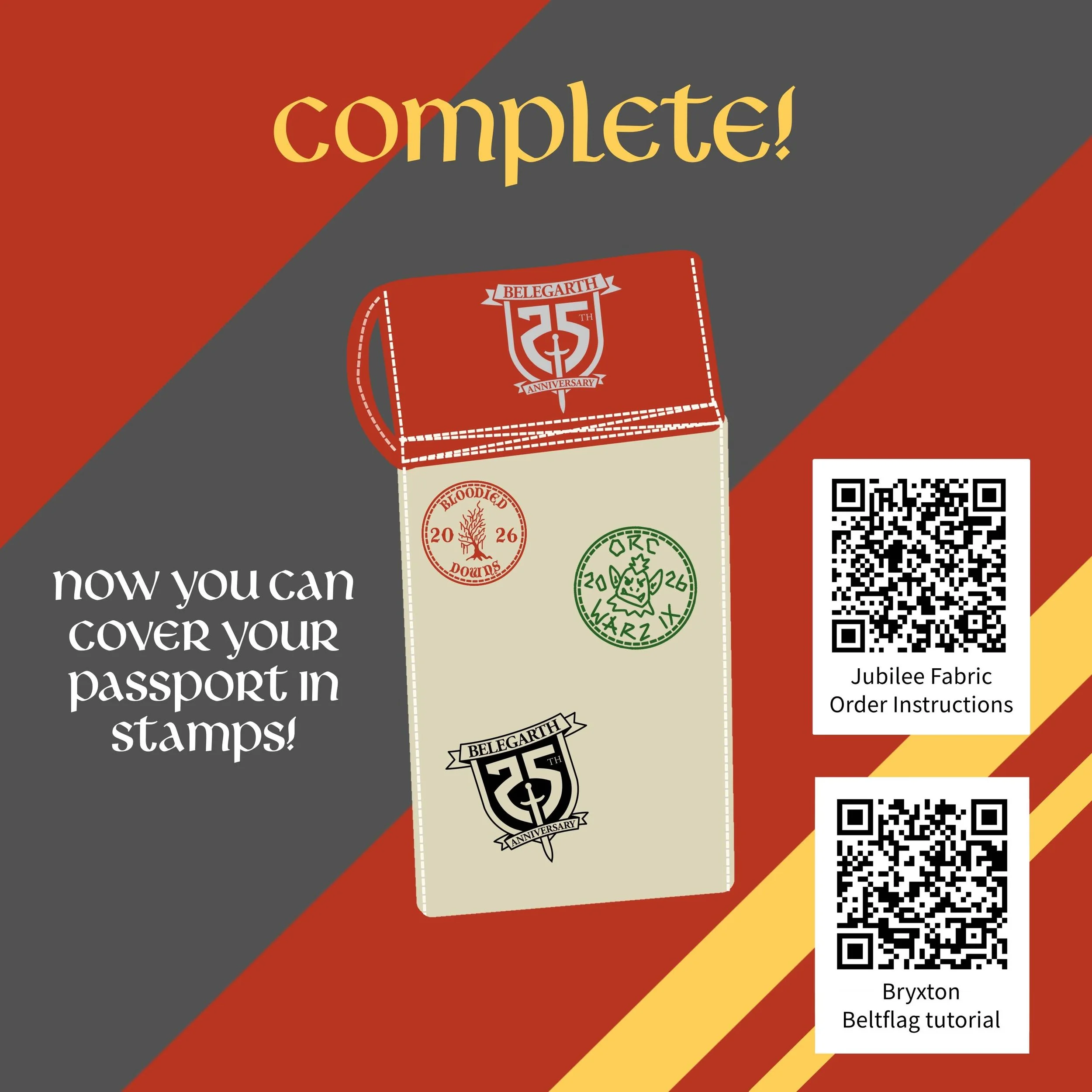
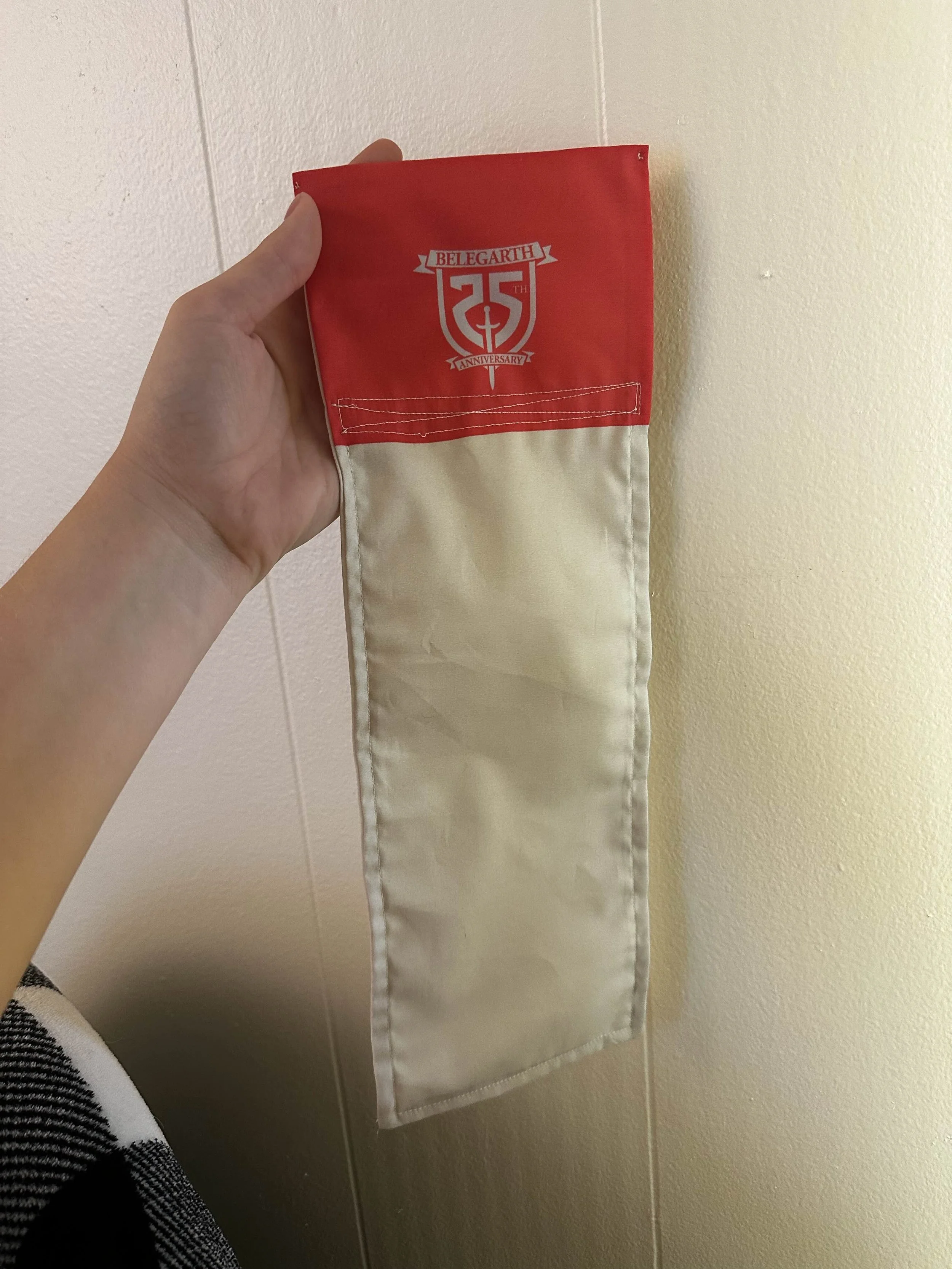
Make Your Own Silver Jubilee Passport
If you would like to make your own Silver Jubilee passport, here are some tools to help! Click here to download the vector images for the Silver Jubilee logo. There are both vector and raster files, of the original design, single color designs, a bolder single color design for making it small, and a super simplified version of the design for going even smaller or for things that need it sleeker
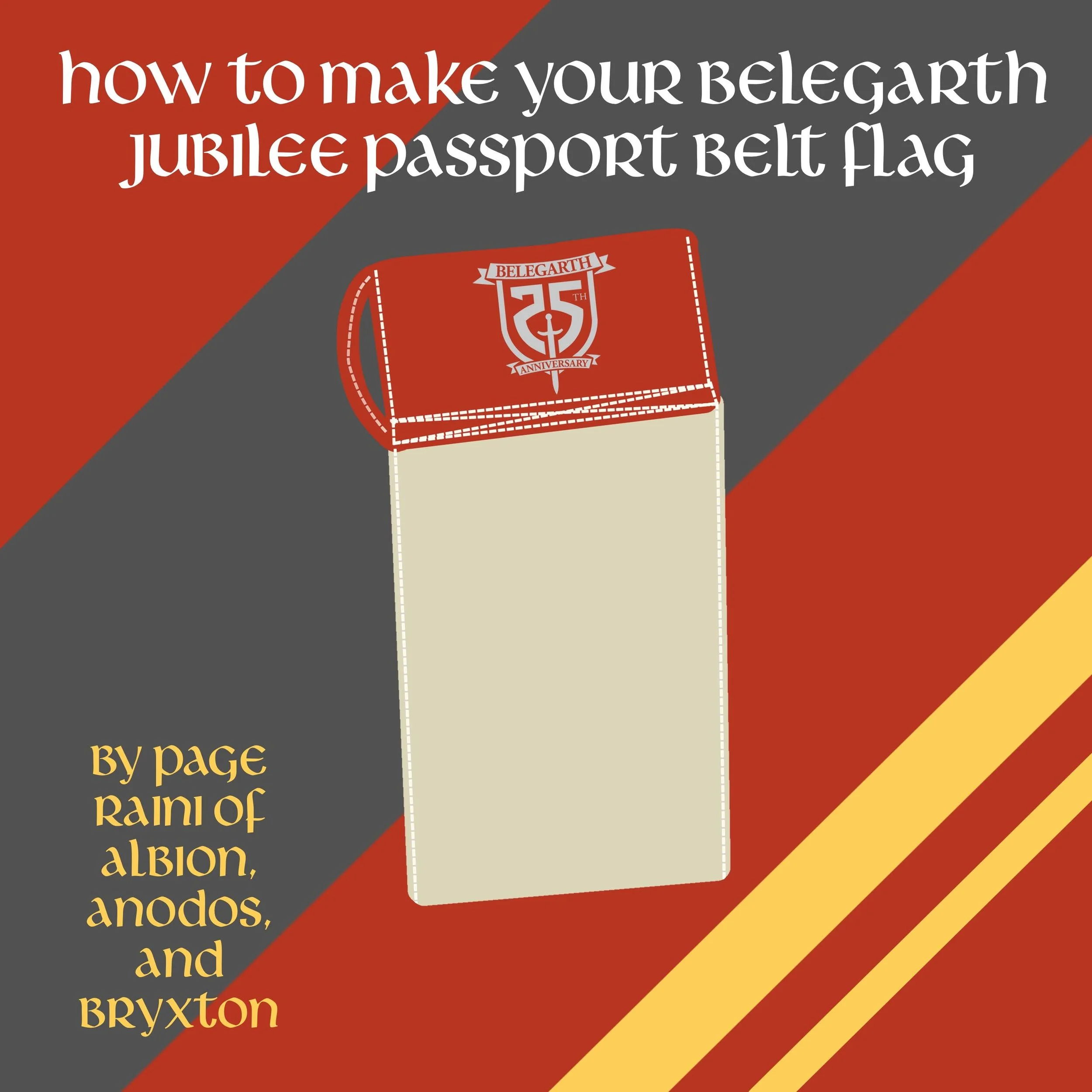
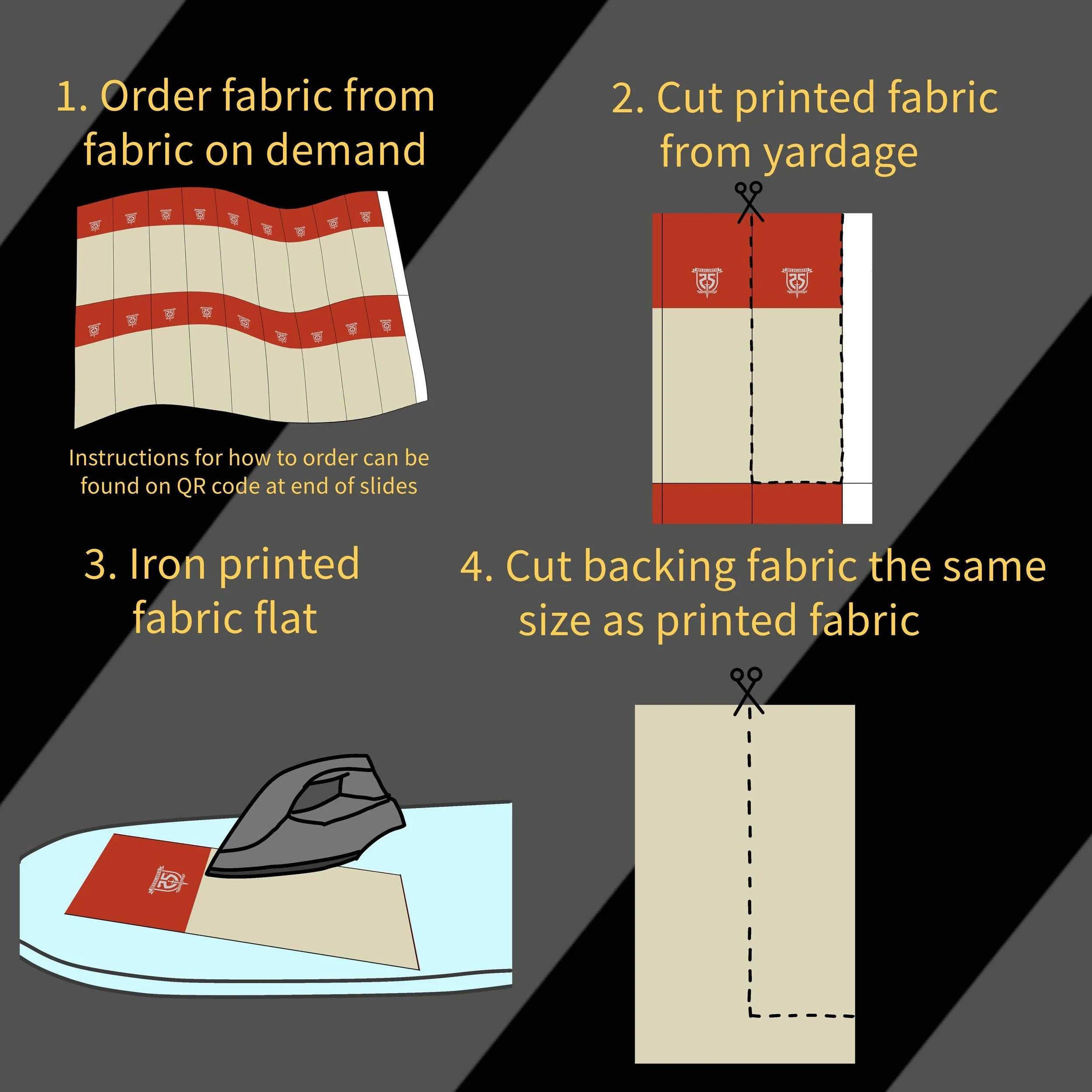
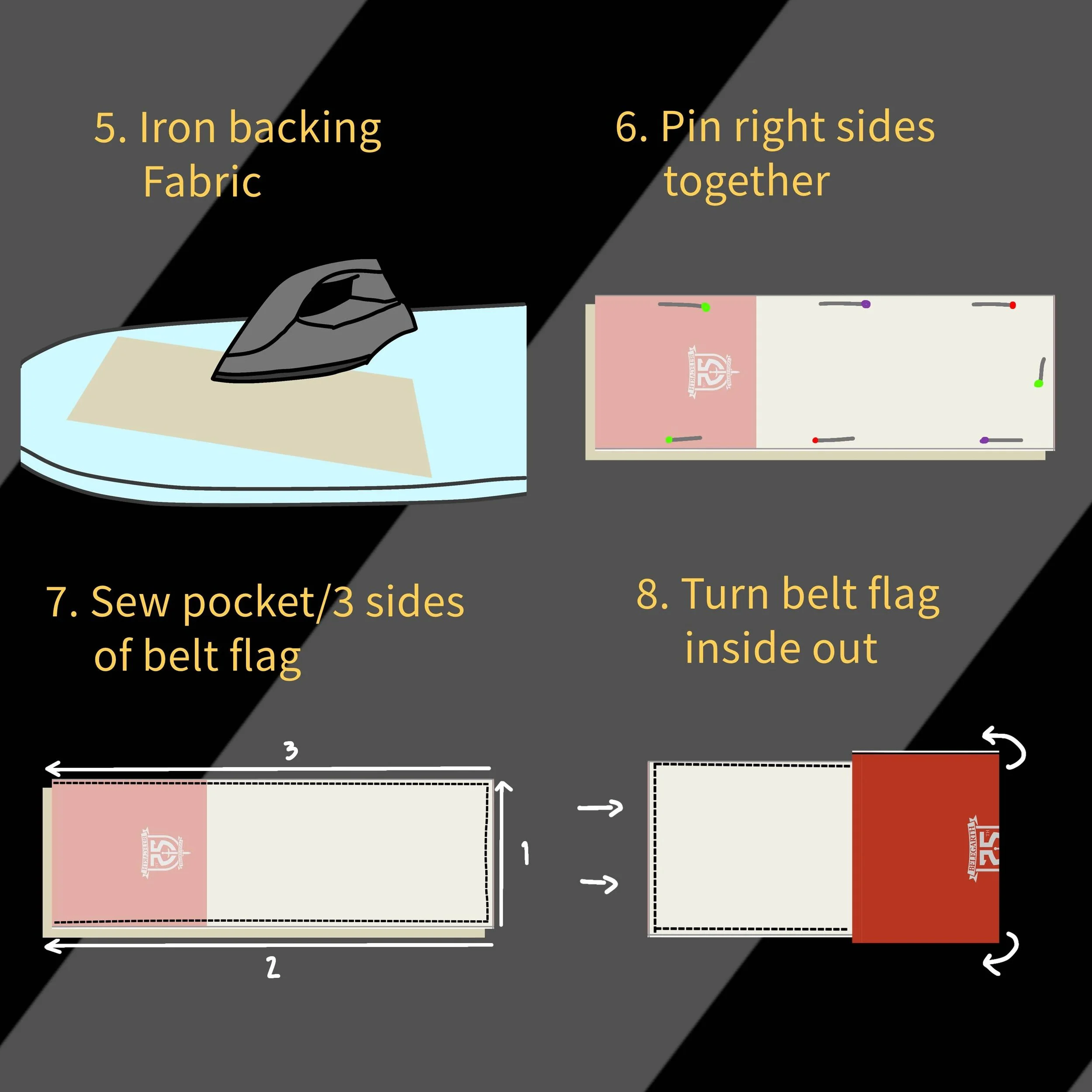
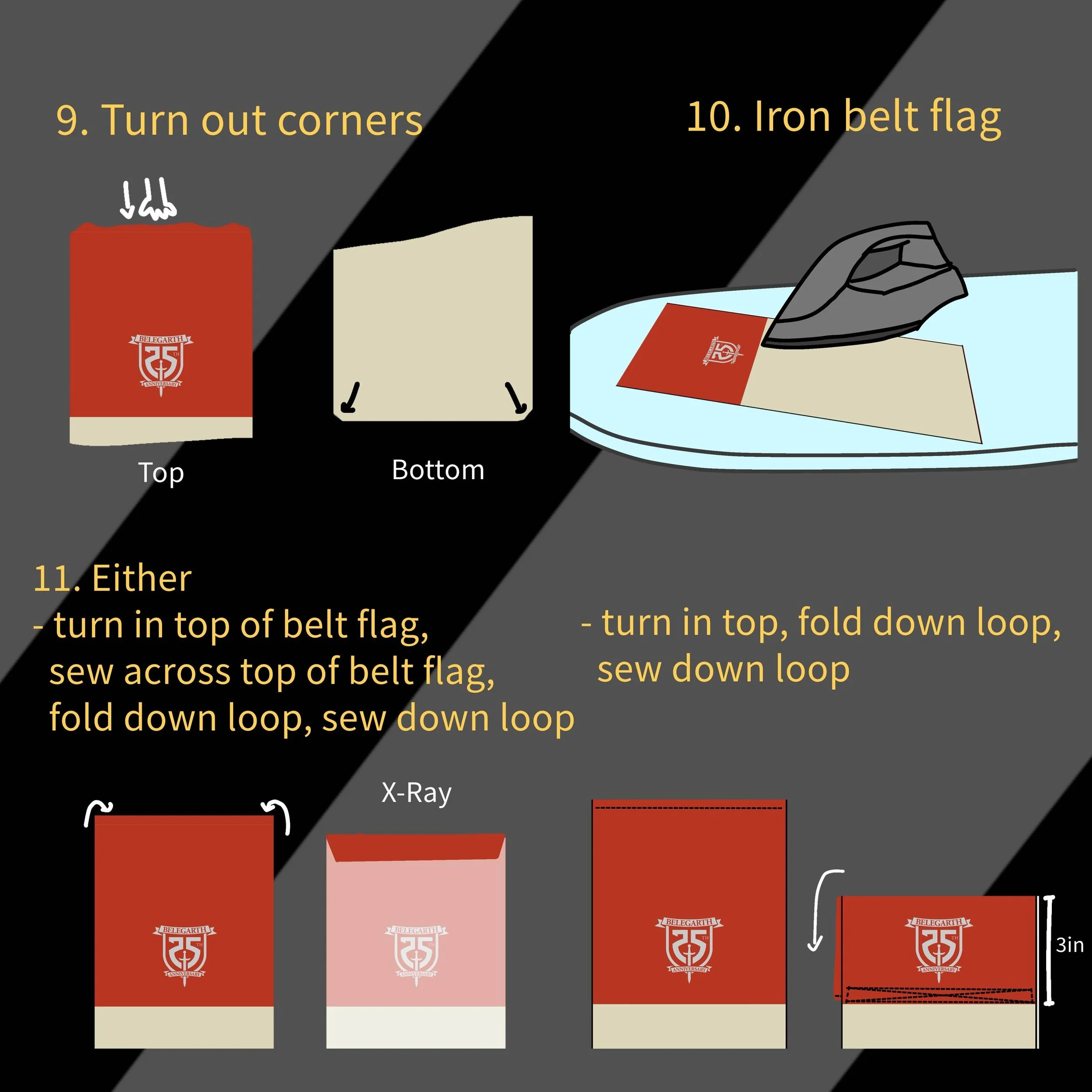
Page Raini’s Belt Flag Tutorial
If you only have a basic sewing machine, you can still make a whole set of Silver Jubilee passport belt flags for your realm or unit! Check out the tutorial below for how to make up to 18 belt flags using Fabric on Demand. You can also check out Bryxton’s Belt Flag Tutorial on Youtube for a full walk through.
Directions for Ordering fabric from Fabric on Demand
In Step 1: Choose custom image options, upload the “25th Jubilee Belt Flag Template” that you previously downloaded.
When choosing the Layout, if you are only ordering one yard, Centered is the best option, however, if you are ordering 2+ yards, it is suggested to use the Standard format.
Set Design Height as 36 inches.
Set Design Width as 56 inches.
In Step 2: Choose your fabric, Select ‘4oz Cotton - 56”’ from the drop down menu. The cost should be approximately $20 USD.
In Step 3: Enter the amount of yards required, a yard of this template will make 18 belt flags, so if you need less than that, only order 1 yard. If you need more than 18, order more yards!
Go to your cart and Checkout. After you’ve ordered, you will get an order confirmation email.
After you’ve placed an order, unless you unchecked the box for it, you should receive a digital proof within 2 business days. You have to approve this proof or else they will not continue with your order.
Fabric on Demand operates on a 10 business day turnaround to have your item shipped, so please be patient with them.